Cricket markets that keep their place
Open a Bangladesh fixture, switch to a message and come back: the market you were reading is still on screen, with prices that moved while you were away.
The 25 takabet app is a 28 MB Android file. It installs on Android 7.0 and later, opens in English or Bangla, and keeps cricket markets, live tables and crash rounds on one screen. No Play Store account needed.
Reading this on a laptop? Open this page on your phone and tap the same button, or use the QR code in the download section below to send the file straight to Android.
One file, one source. The button below serves 25takabet.apk from our own server, signed with the key our support team tests before each release. There is no installer bundle, no ad wrapper and no second download stage inside the app.
| Detail | Value |
|---|---|
| File name | 25takabet.apk |
| Version | 2.6.10 |
| Size | 28 MB |
| Released / updated | 9 November 2026 |
| Price | Free |
| Languages | English and Bangla |
| Support | 24/7 Live Chat |
Already installed and just checking? The version sits in Menu > About. If it reads anything other than 2.6.10, install this file over the old one; nothing on your account changes. First time here? Create your account at 25 takabet register before you install, so the login step takes a single tap.
Allow installs, download, open, install, log in. The only step people skip is the first one, and it is the reason most installs stall on the "App not installed" screen.
Open Settings, then Apps, find the browser you will download with, and switch on Install unknown apps. On Android 7 the toggle sits under Settings > Security > Unknown sources. Do this first, or the package will download and then refuse to open.
Tap Download APK on this page and watch the notification bar. Stay on Wi-Fi if you can. If the bar freezes near the end, cancel, clear the browser's download list and start again; a half-written file cannot be installed.
Pull down the notification shade and tap 25takabet.apk, or open Files > Downloads. Android may show a Play Protect prompt because the file did not come from Play Store. Choose More details, then Install anyway. Keep Play Protect scanning switched on.
Tap Install and leave the screen alone for under a minute while the package unpacks. Do not lock the phone mid-install. When it finishes, tap Open rather than Done, so the app runs once and finishes setting up its cache.
Existing players sign in with the same number and password used at 25 takabet login. New players register, verify with an NID, then deposit from bKash or Nagad at a minimum of ৳350 to unlock the welcome offer.
The install itself asks for one permission at a time and never installs anything else silently. If you would rather not sideload at all, the full lobby runs in Chrome on the same phone; you lose the home-screen icon and a little speed, nothing else.
There is no iOS build to download. Safari can pin the mobile site to the home screen instead, and it keeps its own icon, its own window and your login.
Type 25takabet.xyz into Safari. Chrome on iOS cannot add a home-screen icon, so use Safari for this one step.
Press the share square at the bottom, scroll the list and pick Add to Home Screen. Rename the shortcut if you want it shorter than 25 takabet.
Open the new icon, log in and let Safari remember the session. From then on it opens like any other app, with the same balance and bet history as your phone or desktop.
Both routes reach the same account, the same wallet and the same markets. The difference shows up in small moments: a call during a live table, a slow connection in a rickshaw, an extra tap when the odds move.
| What you are doing | 25 takabet app | Browser on the same phone |
|---|---|---|
| Getting started | 28 MB install once, then the icon is on the home screen | Nothing to install; open the URL each visit |
| Cricket markets in play | Market list keeps your last position while prices move | Same markets, but reloads reset the scroll position |
| Live casino tables | Full-screen dealer view; a call pauses the video and it resumes after | Works, though a call usually drops the table |
| Crash and Aviator | One tap from the icon to a live round | Two taps through the lobby first |
| Cashier | bKash and Nagad inside the app, account number saved after first use | Same cashier, number re-entered each time |
| Data | Art and lobby cached, so repeat visits are lighter | Repeats image downloads each new session |
| Updates | You install each new build by hand | Always the current build, no action |
| Best fit for | Daily players on one phone | Borrowed phones, shared devices, first look |
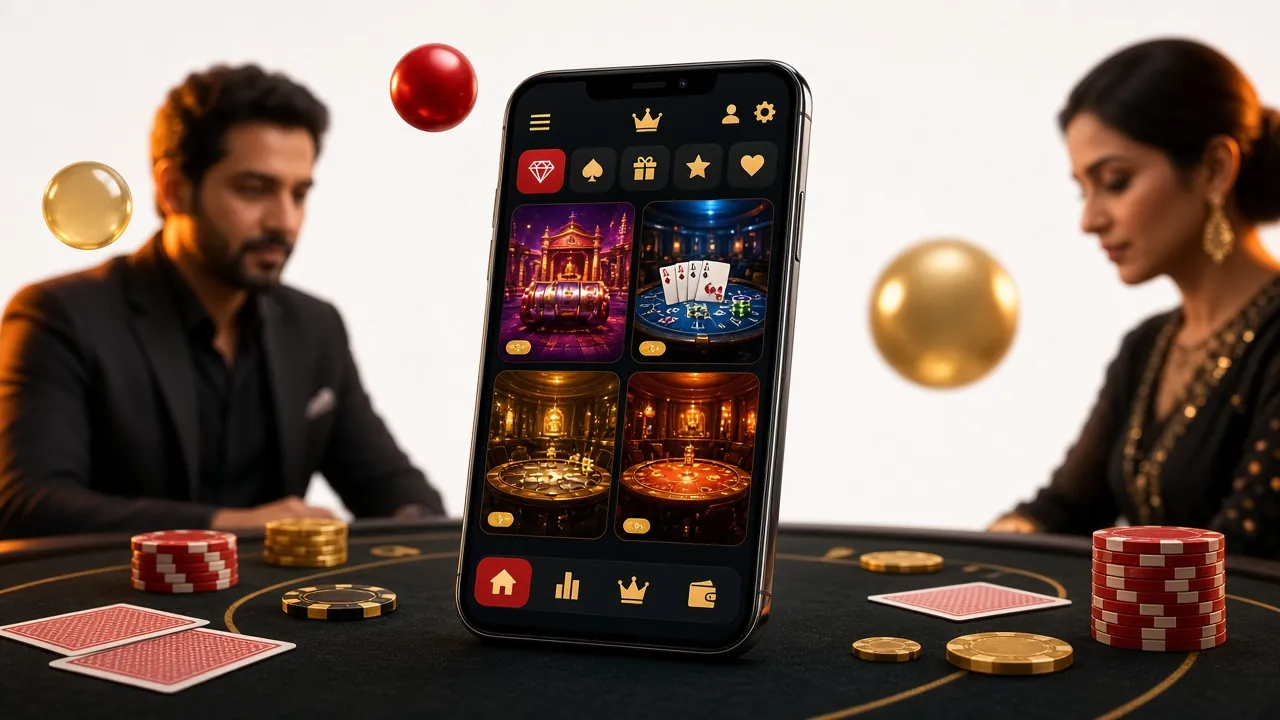
The lobby is the same catalogue you see on the website, just rebuilt for a thumb: a search field at the top, categories along one row, and a "continue playing" strip that remembers your last few titles. Two thousand five hundred games sit behind it, from Ezugi, KA Gaming, Spribe, PG Soft, Habanero, CQ9 and FA Chai.
Sports sits beside the casino tab, with cricket first because that is what most players open. Live tables stream in portrait, and fishing, lottery and crash titles each get their own row rather than being buried in a mixed list. Nothing here needs a second download.
 Slots
Stakes from ৳2 to ৳5,000.
 Slots
Stakes from ৳10 to ৳5,000.
Both open straight from the lobby without a second install. Everything else in the catalogue, including the live card rooms, sits in 25 takabet casino.
Not a longer feature list, just the parts players actually use on a phone during a match or a commute.
Open a Bangladesh fixture, switch to a message and come back: the market you were reading is still on screen, with prices that moved while you were away.
Roulette, blackjack and card tables from Ezugi fill the phone screen without rotating it. Dealer audio pauses on a call and picks up where it stopped.
Multiplier rounds, round history and a cash-out button large enough for a thumb. The last few results load before the video does.
Deposit from ৳350 or withdraw from ৳1,400 without leaving the app. Your mobile wallet number is saved after the first payment, so the next top-up takes two taps.
28 MB once, then game art is cached locally. The lobby still opens at walking pace on 3G; only the live video tables need a steady connection.
Settled-bet results, deposit confirmations and reload offers arrive as notifications. Turn any of them off in Settings and the app keeps working exactly the same.
An APK installed outside Play Store gets more scrutiny than a store app, and that is fair. Here is every prompt the 25 takabet app can show, and why it appears.
Play Protect will still warn you once, because it flags every package that did not arrive through Play Store. That prompt is a notice, not a detection. If you would rather not see it again, install from the same file each time instead of downloading a copy from anywhere else.
Check these four lines before you start, especially on a phone that is already short of storage. Android needs room for the package and a little working space on top of it.
| Requirement | What you need |
|---|---|
| Android version | 7.0 or newer |
| Free storage | 28 MB for the file, plus room to unpack it |
| App version | 2.6.10 |
| Last updated | 9 November 2026 |
| Cost | Free |
| Languages | English and Bangla |
| Help inside the app | 24/7 Live Chat |
A phone on Android 6 or older cannot run this build. Keep using the mobile site in Chrome there; the wallet, markets and cashier are identical, so you lose only the icon. On a device with two SIM slots, mobile data on either SIM works fine for the download.
Five faults cover almost every report that reaches live chat. Find your screen in the left column, then work through the fix before downloading the file a third time.
| What you see | Why it happens | Fix |
|---|---|---|
| "App not installed" | An older 25 takabet build is still on the phone with a different signature, so Android will not overwrite it. | Uninstall the old icon, restart the phone, then install the fresh APK. Your balance sits on the server and returns when you log in. |
| Download stops near the end | Weak signal, or the browser ran out of storage while writing the file. | Free some space, move to Wi-Fi, clear the browser download list, tap the button again. A complete file reads 28 MB. |
| Blocked by Play Protect | The scanner warns about any package installed outside Play Store. | Tap More details, then Install anyway. The warning is a notice about the source, not a virus report. |
| Install button greyed out | Install unknown apps is still off for the browser you used. | Settings > Apps > your browser > Install unknown apps > Allow. On Android 7 it sits under Security > Unknown sources. |
| App closes after the splash | Cached data from an earlier build, or a phone running Android 6 or below. | Update to 2.6.10, clear the app data, reopen. On Android 6 and older, use the mobile site in Chrome instead. |
Still stuck after two attempts? Open 24/7 Live Chat and send the phone model, the Android version and a screenshot of the message. That is usually enough for support to name the cause before you try again.
The seven things players ask before or during the install, answered without the marketing.
Grab the 28 MB file, sign in with the details you already have, and fund the wallet from bKash at ৳350 or more. The welcome offer applies on that first deposit, and the same account works on the website whenever you switch screens.
18+ · Play Responsibly. Only play with money you can afford to lose, and set a deposit limit in your account if the app makes it too easy to keep going.